
Secure Business Email Migration
Email Migration Services Without Business Disruption
Move your business emails, users, contacts, calendars, archives, and domain mail flow securely with minimal downtime and zero operational confusion.
Workspace
Microsoft 365
Migration Control
Pre-Sync
Mailboxes184 / 210
DNSReady
MXStaged
AuthSPF/DKIM
MXSPFDKIMDMARC
Low-downtime cutover planning
Microsoft 365 & Google Workspace
DNS, MX, SPF, DKIM, DMARC
Mailbox, archive & shared mailbox support
Post-migration troubleshooting
Migration Planning Matters
Email Migration Is Not Just Copying Mailboxes
A business email migration affects communication, DNS records, user access, calendars, contacts, shared mailboxes, archives, aliases, security policies, and device configuration.
A poorly planned migration can cause missed emails, login issues, data loss, duplicate mailboxes, or downtime during working hours.
Rajkar Global helps businesses migrate email systems with proper assessment, staging, validation, cutover planning, and post-migration support.
Platform-specific planning prevents data gaps.
Microsoft documents that IMAP migration moves mail folders but not contacts, calendar items, or tasks. Google Workspace also provides different migration paths for Exchange Online, IMAP providers, another Workspace account, and Gmail.
Supported Platforms
Email Platforms We Migrate
Microsoft 365 to Google Workspace
cPanel/Webmail to Microsoft 365
cPanel/Webmail to Google Workspace
Exchange Server to Microsoft 365
Zoho Mail Migration
IMAP/POP Mail Server Migration
Tenant-to-Tenant Microsoft 365 Migration
Domain Email Migration
Shared Mailbox & Archive Migration
Mailbox & Collaboration Data
Complete Mailbox & Collaboration Data Migration
Emails & attachments
Folder structure / labels
Contacts
Calendars
Shared mailboxes
Distribution groups
Aliases
Archives
Signatures guidance
DNS, MX, SPF, DKIM, DMARC records
Mobile and desktop mail client setup
Post-migration validation
Business Continuity Process
A Controlled Migration Process Built for Business Continuity
01
Discovery & Audit
Review current email platform, users, domains, mailbox size, DNS, and migration risks.
02
Migration Plan
Define platform, licensing, timeline, cutover window, rollback approach, and communication plan.
03
Pre-Migration Setup
Configure destination tenant, users, security policies, mailbox readiness, and DNS preparation.
04
Data Migration / Pre-Sync
Move mailbox data in phases before final cutover to reduce downtime and user impact.
05
Final Cutover
Update MX records, routing, authentication, and user access during the agreed migration window.
06
Validation & Support
Verify mail flow, folders, devices, Outlook/Gmail access, and SPF/DKIM/DMARC records.
Why Rajkar Global
Why Businesses Choose Rajkar Global for Email Migration
We combine migration planning, DNS accuracy, platform knowledge, end-user transition support, and post-cutover troubleshooting so your team can keep working while the email environment changes behind the scenes.
Minimal downtime
Secure migration handling
Reduced risk of email loss
Clean DNS and mail flow setup
Support for multiple platforms
End-user transition assistance
Post-migration troubleshooting
Cost-effective offshore delivery
Long-term managed email support
Migration Scenarios
Common Email Migration Scenarios We Handle
Moving from cPanel email to Google Workspace
Moving from cPanel email to Microsoft 365
Migrating after domain or hosting change
Switching from Google Workspace to Microsoft 365
Switching from Microsoft 365 to Google Workspace
Consolidating email after company merger
Migrating from old Exchange or legacy mail server
Fixing failed or incomplete migrations
Risk Management
Migration Risks We Help You Avoid
Email migration is time-sensitive because user access, domain routing, authentication records, and mailbox data must line up at cutover.
Lost or delayed emails
Incorrect MX record setup
Missing SPF, DKIM, DMARC records
Calendar/contact migration gaps
User login failures
Duplicate mailbox data
Outlook profile issues
Poor communication during cutover
No rollback or support plan
Encrypted mailbox sync
Secure Delivery
Managed Migration Oversight From Assessment to Cutover
Our migration engineers monitor mailbox sync progress, DNS readiness, security records, user access, and mail flow before and after the final switch.
The result is a planned transition with fewer surprises, clearer accountability, and support available when users begin working in the new platform.
Planning to Move Your Business Email?
Let Rajkar Global assess your current email environment and create a safe migration plan before you make the move.
Email Migration FAQ
Frequently Asked Questions
Can you migrate from cPanel email to Microsoft 365 or Google Workspace?
Yes. We can migrate mailbox data from cPanel/webmail or IMAP-based email servers to Microsoft 365 or Google Workspace.
Will emails stop during migration?
The goal is to keep downtime minimal through planning, pre-sync, and controlled DNS cutover.
Can contacts and calendars be migrated?
Yes, depending on the source and destination platform. Some migration methods, such as basic IMAP migration, may only move emails, so the correct method must be selected.
Do you configure SPF, DKIM, and DMARC?
Yes. These records should be configured to improve email authentication and reduce deliverability issues.
Do you provide support after migration?
Yes. Post-migration support should be included for mailbox validation, user setup, device configuration, and mail flow troubleshooting.
Portfolio
Relevant Work Delivered
Selected projects that reflect our capability in this service area.
Business IT / Hospitality
Email Migration
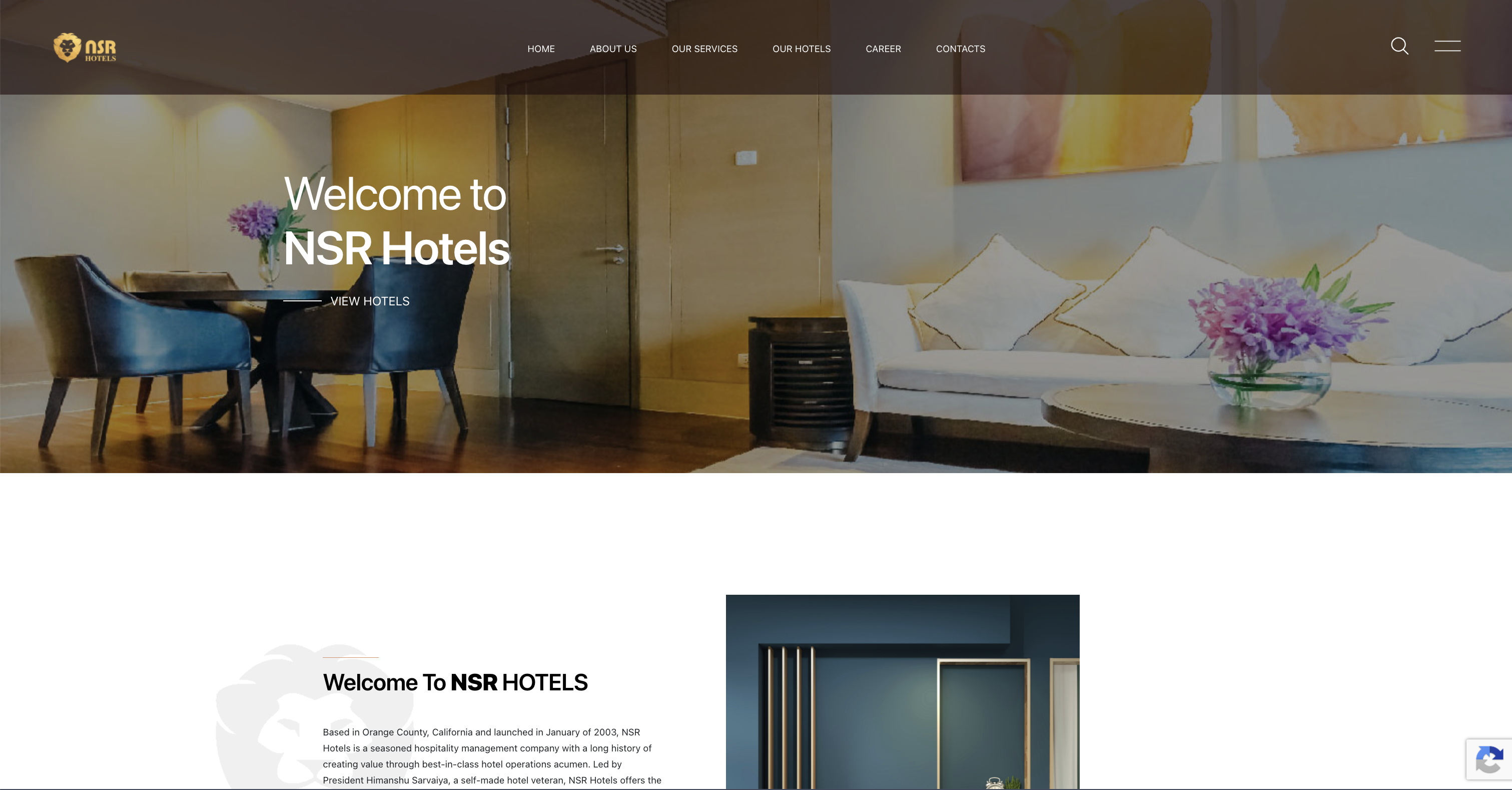
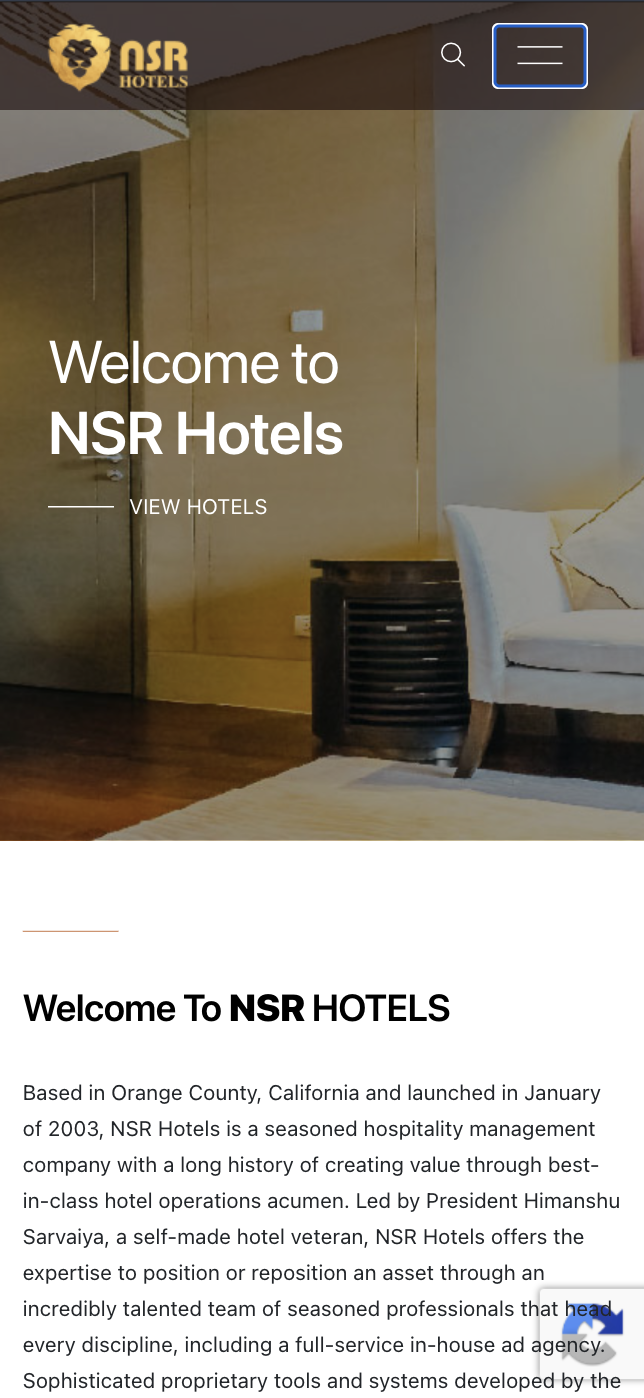
NSR Hotels - Business Email Migration
A business email migration project focused on mailbox continuity, DNS configuration, account transition, and reliable email operations.
View Case Study